Alphabet Ninja — Free Letter Sounds Game for Kids 4–7
 New from Dad4Kids
Clean YouTube for kids
For families with traditional values, hand-picked by parents.
Open →
New from Dad4Kids
Clean YouTube for kids
For families with traditional values, hand-picked by parents.
Open →
Alphabet Ninja is one of those alphabet games for kids built like fruit slicing. Chunky 3D letters arc up from the bottom of the screen, a voice names the one you need — “Slice the letter B!” — and the child cuts it in half with a swipe. The letter really splits along the line of the cut, the halves spin away, and that cut is the answer. Free in the browser: no download, no account, no ads.
Only the right letter can be cut
The blade does not punish guessing — it refuses it. Swipe through a wrong letter and nothing breaks: it shakes, lights up, gives a soft sound, and the voice repeats the task. Miss the right one and it flies back around. No bombs, no timer, no lost lives anywhere in this game. The only way forward is to hear the task and find the letter.
Five steps, from capital A to sight words
The game walks five stages in order. Capital letters by name, A to Z. Then lowercase — “Slice the small letter a!” Then letter sounds: the voice gives the sound, not the name — “Slice the letter that says mmm!” — twenty-five of them. Then CVC words: cat, dog, sun, fox, twenty-four in all. Then sight words — the, and, you, see, like — the twelve small words too common to sound out. Ten tasks make a level, three levels make a stage, and after that CVC and sight words are mixed together.
It listens to how the child is doing
When three tasks out of five go messy, the game quietly puts fewer letters in the air — the target still has to be found, but the crowd thins out until it clicks again. Nothing is announced and nothing is taken away; the child just notices it got fair.
Every task is spoken
Your child never has to read to play: every task, every stage intro and every bit of praise is recorded in American English. That is what makes this real letter sound practice — the ear gets the sound, the eye has to find the letter. There is no microphone: the child listens and slices, and nothing is ever recorded.
How to play
Drag with the mouse or swipe a finger across the screen — a glowing blade follows your hand. Cut across the letter the voice asked for. A single click on a letter cuts it too, which helps the youngest players who are not swiping confidently yet. Slice several correct targets in a row and a combo lights up. Progress is kept on your own device, so the next session starts where the last one stopped.
What your child learns
Letter recognition and letter–sound matching, in the order reading teachers use: name the capitals, then the lowercase forms, then the sound each letter makes, then three sounds blended into a CVC word, then the small sight words that are learned whole. Because the task is heard and the answer is seen, every single task is a sound-to-letter match — the skill phonics actually rests on. C, K and Q never appear as distractors for one another: they sound alike, so a choice between them would test luck instead of knowledge.
The science behind the games
Every Dad4Kids game is built on one simple truth: children want to play, not study — so we turn learning into a game worth replaying. The method draws on peer-reviewed research in game-based learning, motivation, and how memory works.
- Tokac et al. (2019). Effects of game-based learning on students' mathematics achievement: A meta-analysis. Journal of Computer Assisted Learning.
- Alotaibi (2024). Game-based learning in early childhood education: a systematic review and meta-analysis. Frontiers in Psychology.
- Lampropoulos & Sidiropoulos (2024). Impact of gamification on students' learning outcomes and academic performance: a meta-analysis. Education Sciences.
- Taylor & Boyer (2019). Play-based learning: evidence-based research to improve children's learning experiences. Early Childhood Education Journal.
- Gottfried (1990). Academic intrinsic motivation in young elementary school children. Journal of Educational Psychology.
- Yang et al. (2018). Enhancing learning and retrieval of new information: a review of the forward testing effect. npj Science of Learning.
FAQ
What are some fun games to teach letter sounds?
The ones where the sound comes first and the child has to act on it. Here the voice says “slice the letter that says buh” and three or four letters are already in the air — so the child has to hold the sound in mind and pick its letter. Slicing gives the answer a satisfying physical shape, which is why it sticks better than tapping a button.
How do you teach letter sounds in a fun way?
Short sessions, sound before name, and no penalty for a wrong pick. This game gives all three: a level is ten quick tasks, the stage that teaches sounds only ever says the sound, and a wrong letter simply refuses to be cut while the voice repeats the task. Nothing is lost, so a child keeps trying instead of freezing.
What are the 44 letter sounds?
English has about 44 sounds (phonemes) but only 26 letters, so many sounds are spelled with letter pairs — sh, ch, th, ai, oo. This game covers the twenty-five single-letter sounds and then blends them into CVC words. Digraphs and long-vowel spellings are not in it — for those, look at our blending and word-family games.
What age is Alphabet Ninja for?
About 4 to 7. A four-year-old starts on capital letters and may stay there happily; a kindergartner runs through lowercase and sounds; a first grader gets to CVC and sight words in a single sitting. Nothing has to be read, so a child who does not read yet can start on their own.
Is it really free?
Yes — free, no ads, no install and no account. It runs in the browser on a computer with a mouse and on a tablet with a finger.
Does it work on a tablet?
Yes, and it is the nicer way to play: a finger swipe is exactly the gesture the game is built around. It works in both landscape and portrait, and on a computer a mouse drag — or even a click — does the same job.
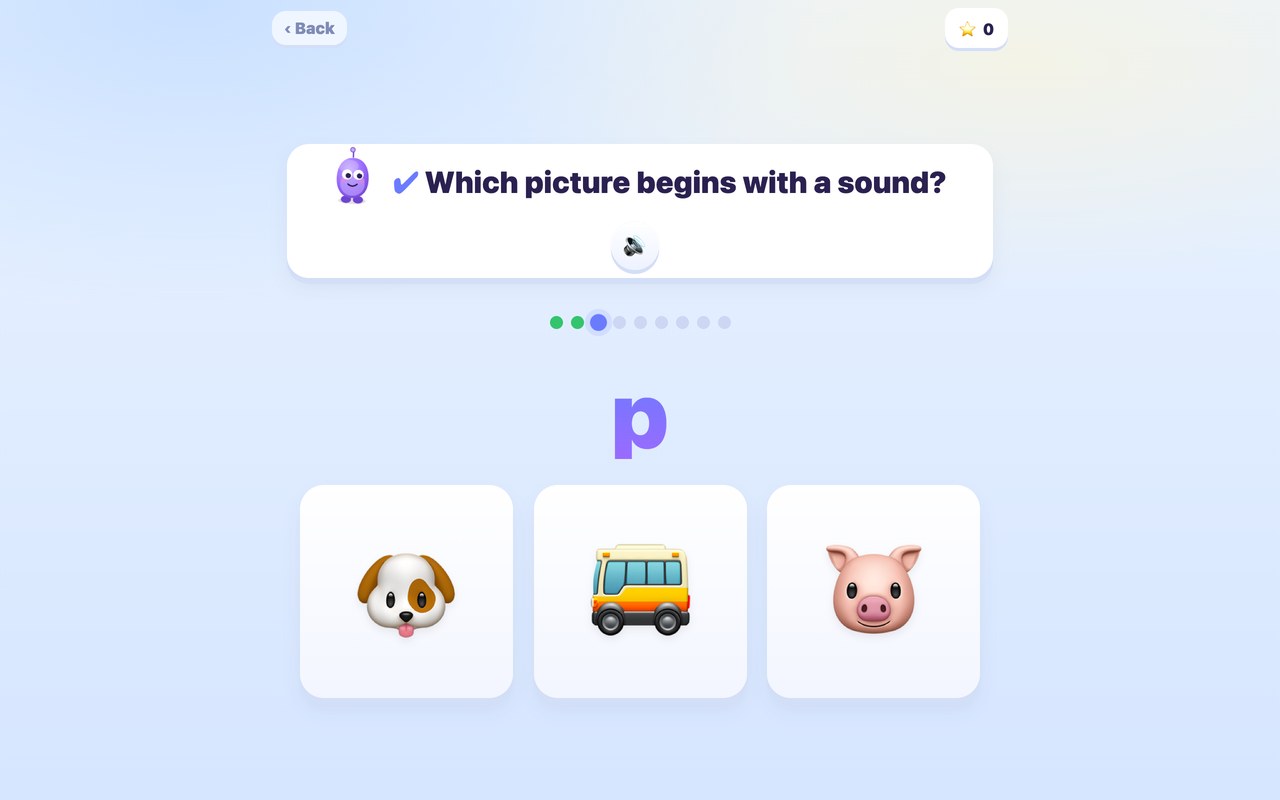
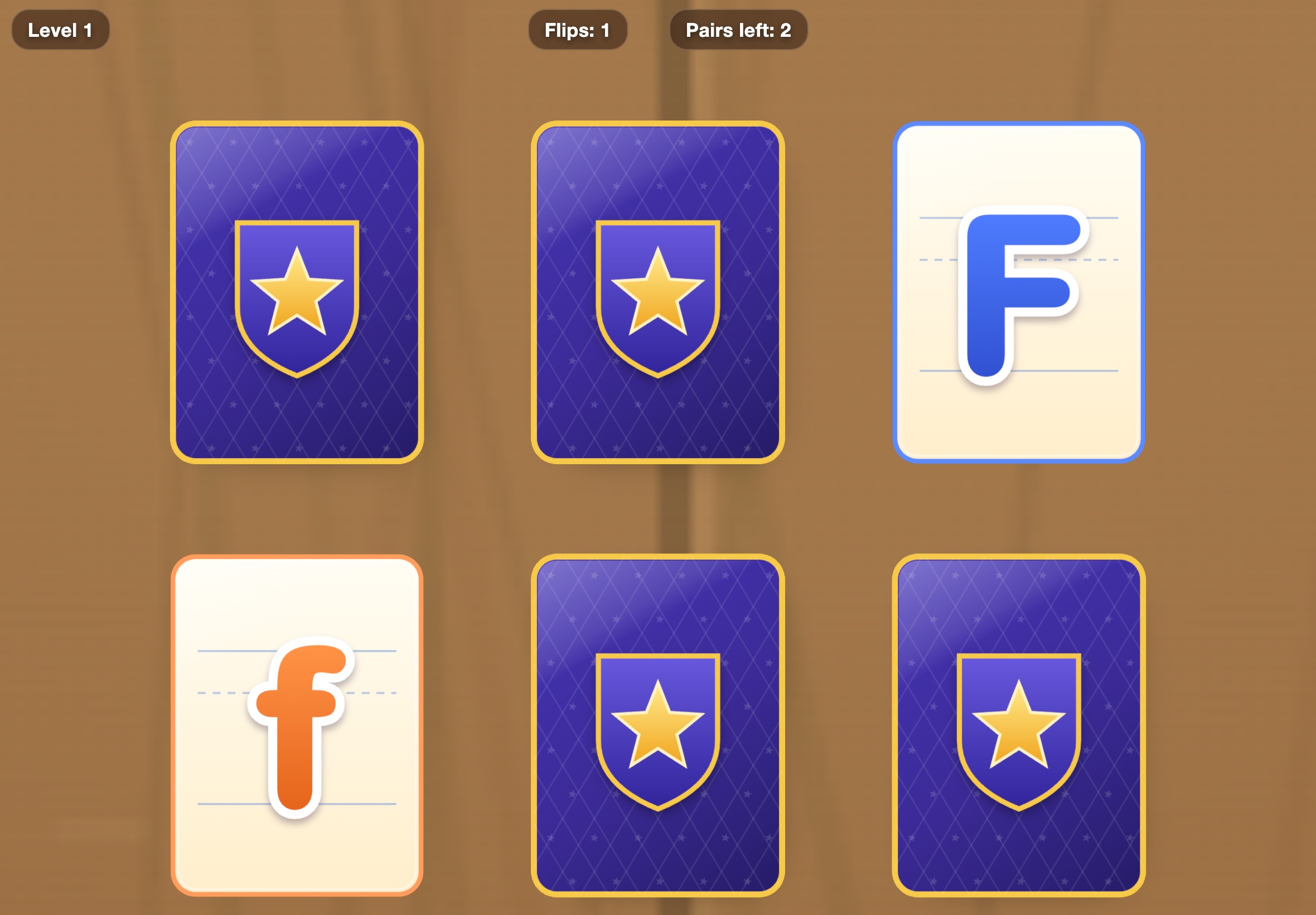
More free games for kids
By Evgeny Arsentiev, PhD · Last updated: September 2026